RIDE WITH FRIENDS ONLINE
Multiplayer motorcycle game in your browser
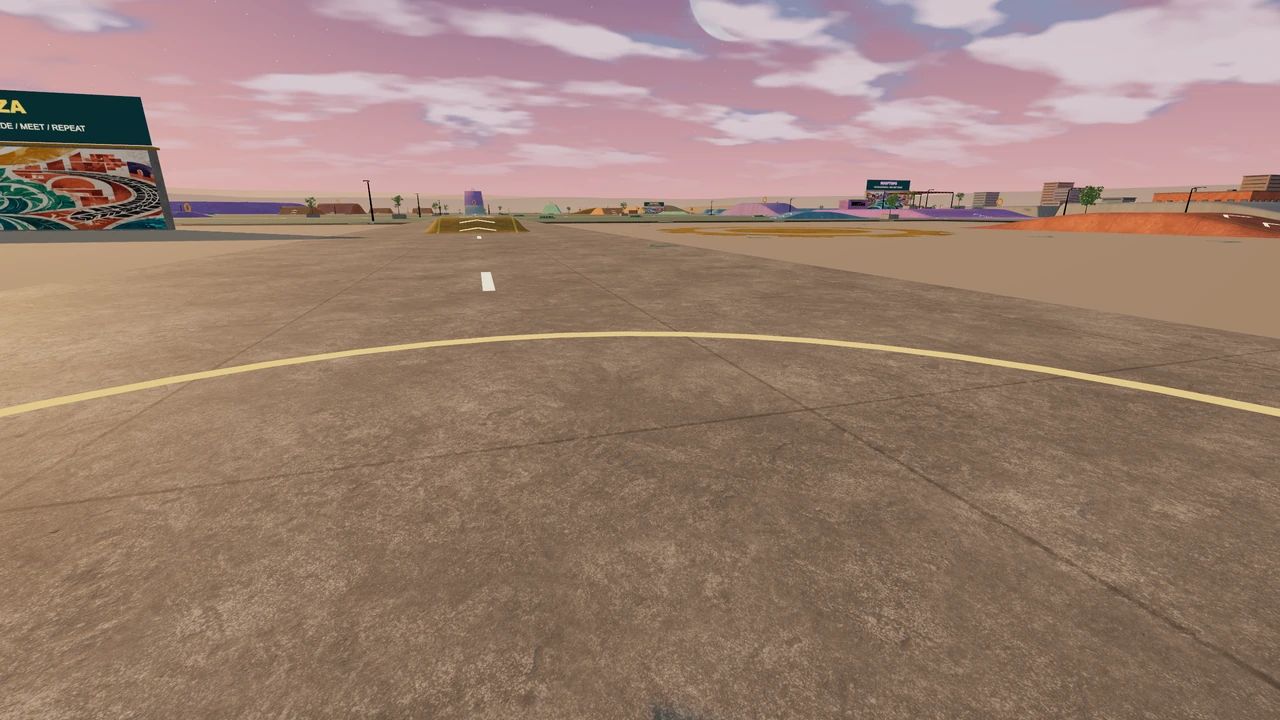
Meet friends in Festival Park for motorcycle riding, races and stunt challenges. Roadbook Trainer runs in your browser, so everyone can open the game and join the same Jam session.
What can you do together?
Explore Festival Park
Ride through the city, find ramps and explore with the other riders in your room. Use the Festival map to find districts and session activities.
Choose a Jam session →Race your friends
Join a marked Festival race and ride through its gates in order over three laps. Meet at the race gathering and start together.
Open multiplayer races →Try stunt challenges
Use friendly wheelie and jump challenges to give the session a goal. Practise, land your jumps and compare your results with the room.
Read the Jam guide →How to play multiplayer with friends
- Open multiplayer and choose Jam session. Pick a bike; bikes with ownership requirements need to be unlocked first.
- Create a room, join an available public room, or enter an invite code. For a friends-only session, choose Invite-only and share the room code or link.
- Have each friend open Roadbook Trainer and join the same room. Once connected, explore the park or join a race or stunt challenge together.
Browser multiplayer, with no game installer
Each rider plays on their own device. Keyboard, controller and touch controls let you choose a setup that suits you. On a phone, try landscape and adjust Touch setup; on a slower device, lower the graphics quality in Settings.
Play multiplayer with the Windows EXE
The downloaded Windows app includes the game files and connects to a separate online racing service. If a network filters the game website, the app can still join multiplayer when that racing service is reachable. Share a room code or invitation to meet friends playing in the app or browser.
Host the game over LAN
Host Roadbook Trainer on one computer and share its local HTTP address with friends on the same network. They open the game in their browsers. The current LAN host relays multiplayer to the online racing service, so keep the host running and connected to the internet.
Questions before you play
Can I play in a private room?
Yes. Invite-only rooms let you share a code or link with your friends. Public rooms are available when you want other riders to discover and join the session.
Is this local split-screen multiplayer?
Each player uses a separate browser or device and joins the same online room. The shared session is online multiplayer.
Does multiplayer work offline?
Online Jam sessions need an internet connection and access to the racing service. If you cannot connect, you can still choose a solo activity from the game menu.
Where can I learn the controls first?
Open the playable riding school from the game menu, or use Help for keyboard, controller and phone controls before joining your friends.
Looking for unblocked browser games?
You can play here when your network allows the website. If the website is filtered, the Windows app or LAN hosting may offer another way to join your friends, provided the app or host can reach the racing service.